

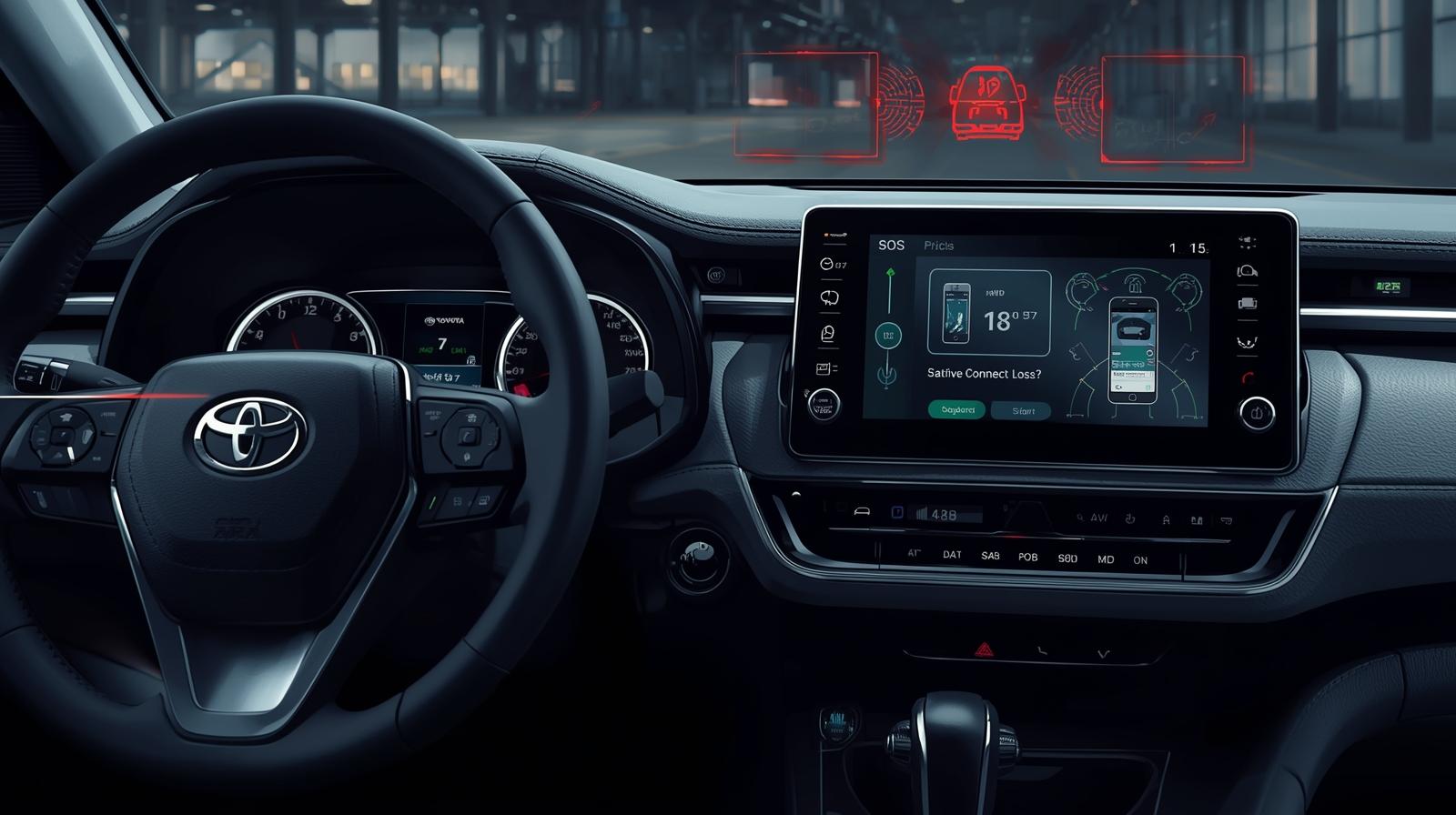
Modern Toyota vehicles depend on a small but very important system known as the DCM to keep all connected features working properly. Now, when owners search for “toyota dcm not working,” it usually shows up in forums or service discussions. This happens when the SOS light starts blinking, the mobile app stops responding, or Safety Connect suddenly goes offline. And honestly, it feels like more than just a small issue because these features are tied directly to safety, daily convenience, and your overall confidence as an owner.
In this guide, you will see what a failing DCM actually looks like in real situations, why these issues happen in the first place, and what quick checks you can safely try at home. You will also learn the exact steps dealers usually follow to restore everything. Based on technical reports and real-world cases up to 2025, this will help you decide whether a simple reset is enough or if it is better to visit a dealer for proper diagnosis.
When Connectivity Fails and the Dashboard Tells a Story
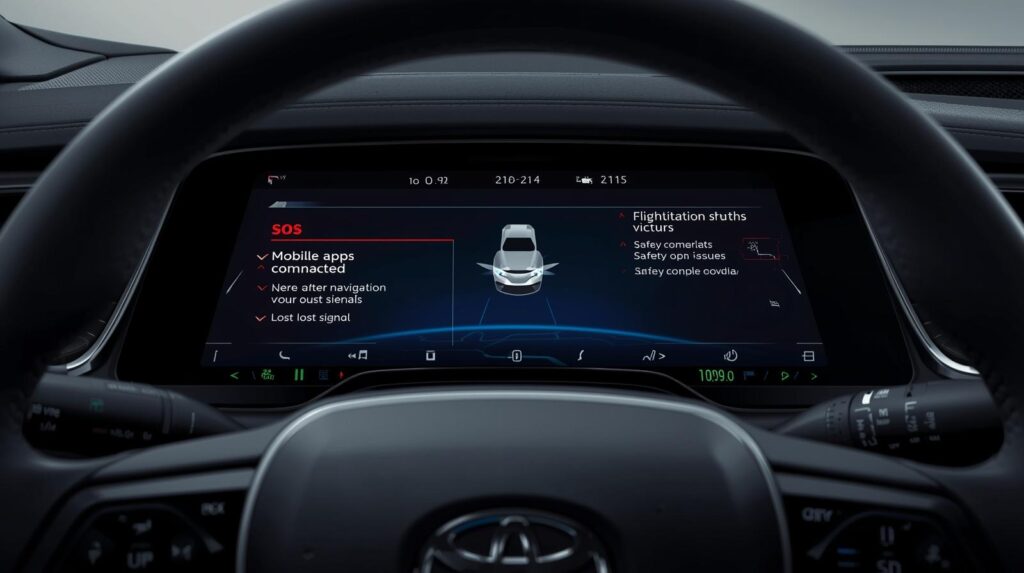
When the DCM starts having problems, you will usually notice it first through dashboard warnings or issues with connected services. Paying attention to these signs can really help you figure out whether it is something small you can handle yourself or something that needs a professional inspection.
Red and green SOS lights and what they mean
If you see a steady red SOS light or a red and green flashing pattern, that is usually the clearest sign that something is wrong with the DCM. In most cases, this kind of light behavior means the system is either not able to connect to the cellular network or there is an internal communication fault. Some drivers even hear a warning message saying the communication module has failed when the vehicle cannot reach Toyota servers.
Now here is the important part. These signals are not just random warnings. They are directly linked to safety features. If the DCM cannot register properly, then emergency services like automatic crash notification and SOS calling may not work as expected. So it is better to treat these lights as a real diagnostic warning rather than something minor or cosmetic.
App, navigation, and remote-connect symptoms
When the DCM starts failing, you may notice problems like remote start not working, the mobile app not showing your vehicle status, or navigation features acting strangely. In many real cases, GPS-based services and software updates are the first things to stop working once the module loses connection. Some owners also see messages like the connected device is not supported popping up on the screen.
What this really tells you is that if only one feature stops working, it might be an account or server issue. But if several connected functions fail at the same time, then the DCM itself or its wiring is most likely the real cause.
Under the Hood: The Technical Faults That Cause DCM Failure
Most DCM problems are rooted in simple but critical hardware issues under the hood. Identifying power, ground, and connector faults early can save unnecessary dealer visits and clarify whether the problem is minor or requires professional repair.
Power, ground, and connector problems
Most DCM problems actually come from simple physical issues like weak power supply, poor grounding, or corroded connectors in the wiring harness. In real service cases, technicians often find that an 8-pin light blue connector becomes loose or damaged due to moisture or constant vibration. Even a slightly loose pin can stop the DCM from starting properly, even though the car itself runs without any issue.
That is why technicians always begin by checking battery voltage and grounding first. If the module is not receiving a stable 12-volt supply or a proper ground connection, it simply cannot power up or register correctly, which leads to a full telematics failure.
Software, firmware, and telematics misconfiguration
In many cases, DCM issues are not hardware failures at all but software-related problems that can be fixed with a firmware update or a system reflash. Toyota has released multiple technical updates through 2024 and 2025 specifically to fix registration and stability issues. During a dealer visit, technicians usually connect a diagnostic tool called TechStream to update the DCM software and confirm that it successfully reconnects to the network.
Sometimes the module does not accept the update on the first attempt. In those cases, further diagnosis is needed, and if the problem continues, the DCM may need to be replaced either under warranty or through a service campaign.
Fast Checks You Can Try Right Now
Before involving a dealer, there are several practical steps owners can take to troubleshoot the DCM. Simple checks often reveal minor issues that restore connectivity without requiring professional intervention.
Safe reset steps that often restore service
Before going to a dealer, it is always a good idea to try a few basic reset steps. First, park the vehicle in an area with strong cellular coverage and turn the ignition off and on to give the system another chance to reconnect. If that does not work, you can disconnect the negative battery terminal for around 20 to 30 minutes and then reconnect it. This forces the system to restart completely.
In many real-world cases, this simple reset clears temporary communication errors. If the warning light or message still does not go away after this, it is best to note down the exact error and move toward professional support.
Basic inspections to avoid unnecessary dealer trips
Another important step is to visually inspect the wiring and connectors linked to the DCM. Look carefully for corrosion, bent pins, or any signs of rodent damage. It is also important to check that the battery terminals are clean and tightly connected, and to verify battery health using a simple voltage test.
If your vehicle has aftermarket electronics installed, make sure they have not interfered with CAN bus wiring or power lines. In many situations, poorly installed accessories like alarms or audio systems can create symptoms that look exactly like a DCM failure.
Dealer-Level Repairs and What They Really Do

When DCM issues persist after basic troubleshooting, dealer-level interventions are often required. Understanding what happens during these repairs helps owners know what to expect and ensures the process restores full connectivity.
The TechStream reflash and validation workflow
When a dealer receives a DCM fault they will connect Toyota TechStream to read codes, attempt to reprogram the module, and validate network registration. This process usually takes one to three hours depending on software versions and technician workflow. Dealers often apply known software updates that Toyota released as part of a customer program addressing stability.
Real-world reports suggest that dealers reprogramming the DCM resolves most cases without replacement. The service appointment should include post-update validation such as confirming Safety Connect subscription status and a test SOS call if permitted.
When replacement is necessary and what to expect
If reflashing fails or diagnostics reveal internal hardware faults the dealer may replace the DCM. Replacement units require programming and sometimes dealer coordination with Toyota corporate to manage warranty or campaign coverage. In practice a replacement can restore service fully but may involve waiting for parts depending on stock levels.
Owners should ask the dealer to provide a clear explanation of whether the remedy was software or hardware and whether any campaign, recall, or warranty coverage applied. Documentation of the work helps if similar symptoms recur.
Ownership Choices: Privacy Controls, Recalls, and Practical Tradeoffs
Modern DCM systems collect data and provide connected services, which brings both convenience and responsibilities. Understanding privacy options and recall programs helps owners make informed decisions while maintaining safety and functionality.
Data collection controls and owner rights
Toyota connected services collect diagnostic and location data required for Safety Connect and convenience features. By 2024 regulatory and consumer attention increased, prompting clearer opt out pathways in some markets. Owners may request disconnection of the DCM SIM through a dealer form, but physical removal is discouraged and may affect other vehicle systems.
In practice owners concerned about data should discuss options with their dealer: disabling the SIM often stops telematics while preserving infotainment, but permanent removal can have secondary effects and may not be supported.
Recall campaigns, customer programs, and realistic expectations
Toyota and other manufacturers periodically issue customer programs to reprogram or replace DCMs. Between 2022 and 2025 many regions saw reprogramming campaigns that addressed registration faults. Testing and owner reports indicate these updates are free of charge when covered by an open campaign or recall.
If your vehicle shows toyota dcm not working symptoms check Toyota dealer notifications and your VIN status online. Even when no formal recall exists dealers can still apply software updates under warranty or a customer goodwill program.
Expert Insights on DCM Reliability
Modern telematics are small and invisible but they matter profoundly when they fail. Based on analysis of service bulletins and owner reports through 2025, most toyota dcm not working cases resolve with methodical steps: eliminate simple power or connector faults, perform a careful reset, and then let a dealer apply the controlled reflashing process with TechStream. In practice that sequence restores connectivity in the majority of cases and preserves safety functions.
If a dealership must replace the module insist on a clear explanation of the root cause and any campaign coverage. Keep records of the repair for future reference and consider asking the dealer to verify app connectivity and SOS function before driving away. Those small steps turn a stressful failure into a controlled resolution.
Conclusion
A failing DCM feels urgent because it affects safety features and remote services, but most episodes follow a clear, solvable path. Start with basic checks: confirm battery health, inspect connectors, and attempt a safe reset. If symptoms persist visit a Toyota dealer for diagnostic logging and a TechStream reflash, which resolves the majority of issues reported through 2025.
Addressing toyota dcm not working with methodical troubleshooting and clear communication with the dealer will minimize downtime and keep connected safety services operating. Keep repair records and ask the service advisor to validate app connectivity and SOS testing before you leave so that you regain confidence with evidence, not guesswork.
FAQs
Is it safe to drive when my dashboard shows the SOS light flashing?
A flashing SOS light affects connected emergency notification systems but not the core braking or steering systems. Drive with normal caution and book a service appointment promptly so that automatic crash notification and SOS services are restored.
Can a simple battery disconnect really fix DCM issues?
Yes. In many service reports disconnecting the negative battery terminal for 20 to 30 minutes resets the module and clears registration errors. Use this as an initial troubleshooting step while noting any spoken error messages for the dealer.
Will a dealer charge for a DCM firmware update?
If Toyota has an open campaign or recall the update is usually free. Outside campaigns costs depend on warranty status and dealer pricing. Ask for written confirmation of coverage before authorizing work.
Can I remove the DCM to stop data sharing?
Physical removal is discouraged and may impair multiple vehicle systems. A dealer can often disable the SIM or disconnect services while preserving other functions. Discuss privacy options with the dealer to avoid unintended consequences.
How long does a dealer repair for DCM failure usually take?
A diagnostic plus reflashing session typically takes one to three hours when parts are available. If a hardware replacement is required wait times depend on part availability and dealer scheduling.